
Run your AWS VPN on infrastructure you already rent
No rack, no shipping date, no polite question about who’ll be on site Tuesday. The licence and the software gateway both run on infrastructure you control, and rented cloud infrastructure counts as yours.
Every tunnel is post-quantum, including the handshake that sets it up, under the NIST standards FIPS 203 and FIPS 204.
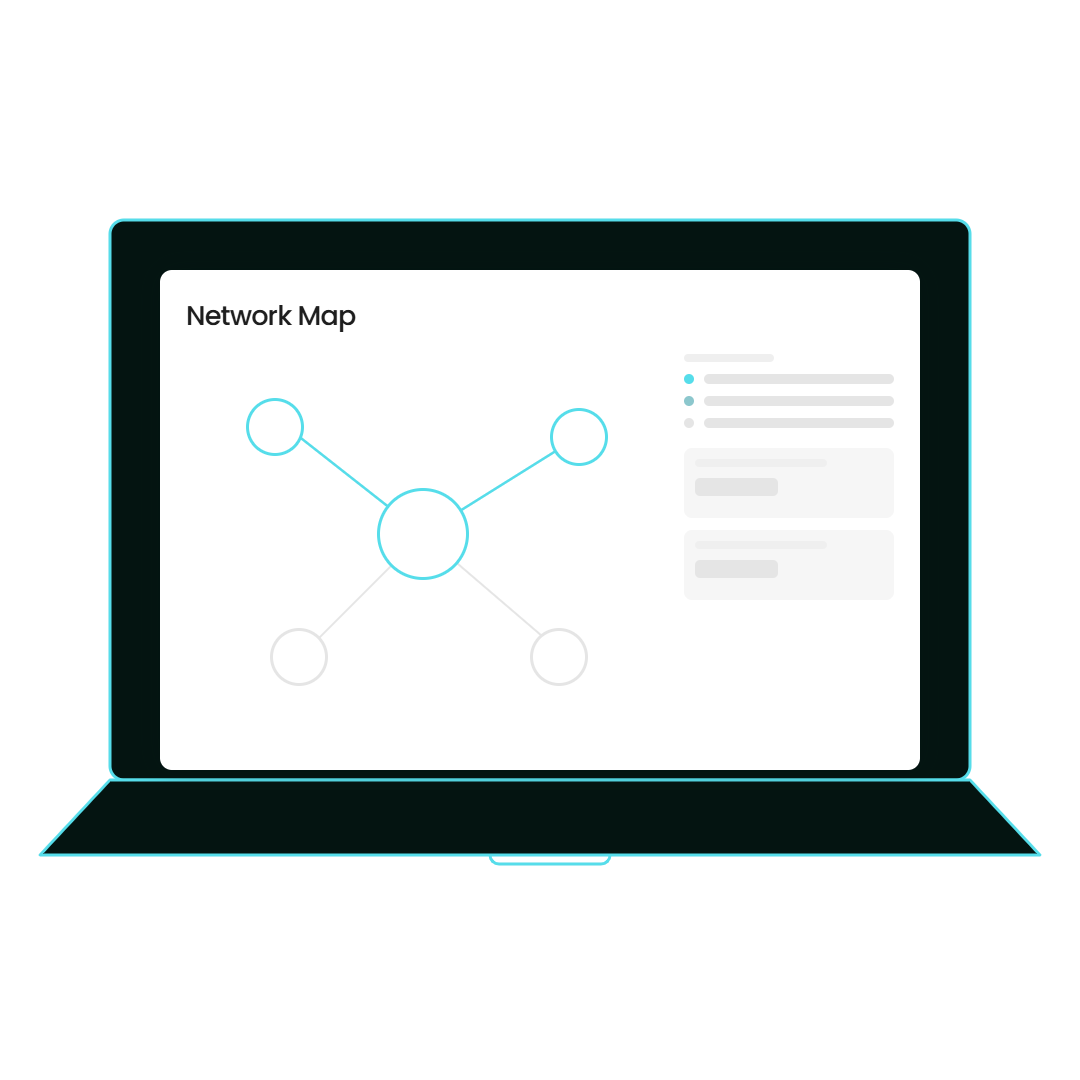
Yes, QS-WAN runs as an AWS VPN on infrastructure you already rent
Yes. QS-WAN works as an AWS VPN: the licence installs on infrastructure you control, physical or in the cloud, and the software gateway runs on your infrastructure too, so there’s no rack in an office and no hardware from us. What exactly ends up inside your AWS account is settled during the deployment, with your engineers in the room, because it depends on what you’re already running in there.
What it looks like once a gateway is up
Three answers, in the order a network administrator usually asks the questions.
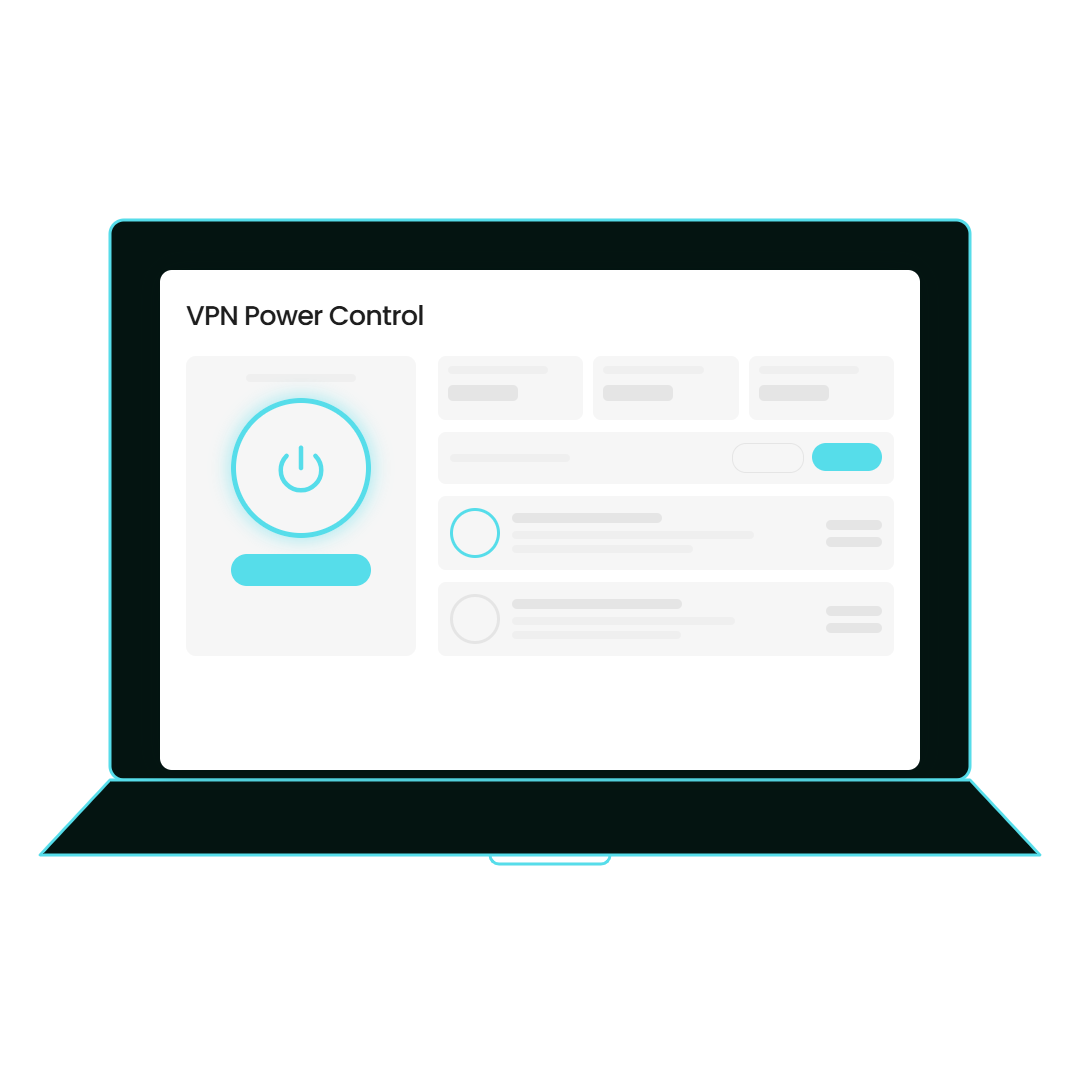
Put both halves on infrastructure you already rent
The QS-WAN licence installs on infrastructure you control, and physical or cloud is your call. The software gateway runs on your infrastructure too. So if your servers are in AWS, the office is a floor of hot desks and the nearest rack belongs to the landlord, none of that is an edge case here. The QS-WAN licence installs on infrastructure you control, and physical or cloud is your call. The software gateway runs on your infrastructure too. So if your servers are in AWS, the office is a floor of hot desks and the nearest rack belongs to the landlord, none of that is an edge case here.
Run the cloud side with the same controls as everything else
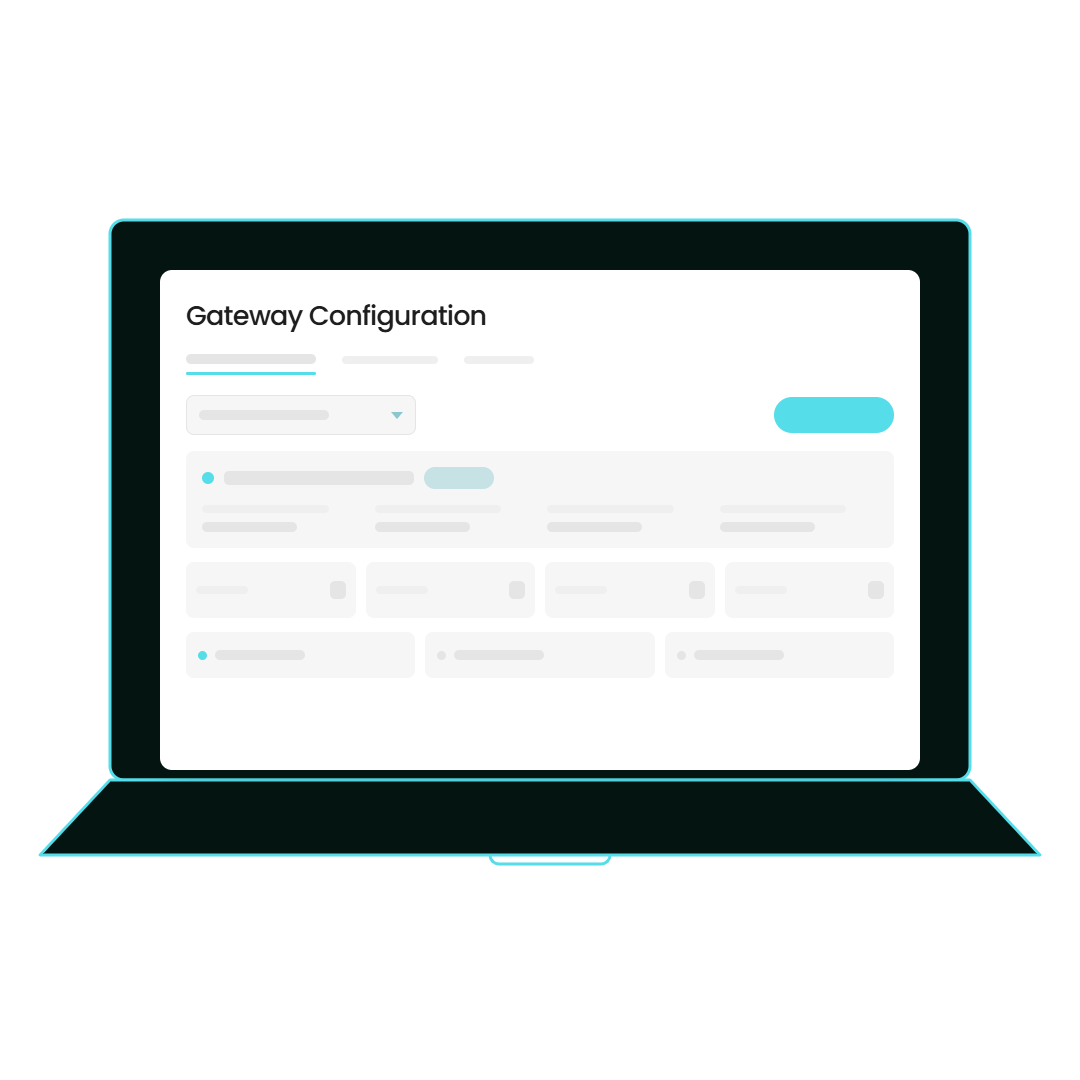
Once a gateway is up, the cloud stops being a special case, and that’s the point. You define VLANs and LANs with address space reserved up front, and firewall rules apply per gateway and per user, live, and get reapplied when a device reconnects, so a laptop that slept through a change doesn’t come back running the old one. Split tunnel and zero trust stay two separate controls here, which means a VLAN in split tunnel can still be default-deny. Once a gateway is up, the cloud stops being a special case, and that’s the point. You define VLANs and LANs with address space reserved up front, and firewall rules apply per gateway and per user, live, and get reapplied when a device reconnects, so a laptop that slept through a change doesn’t come back running the old one. Split tunnel and zero trust stay two separate controls here, which means a VLAN in split tunnel can still be default-deny.
Let your people carry on pressing one button
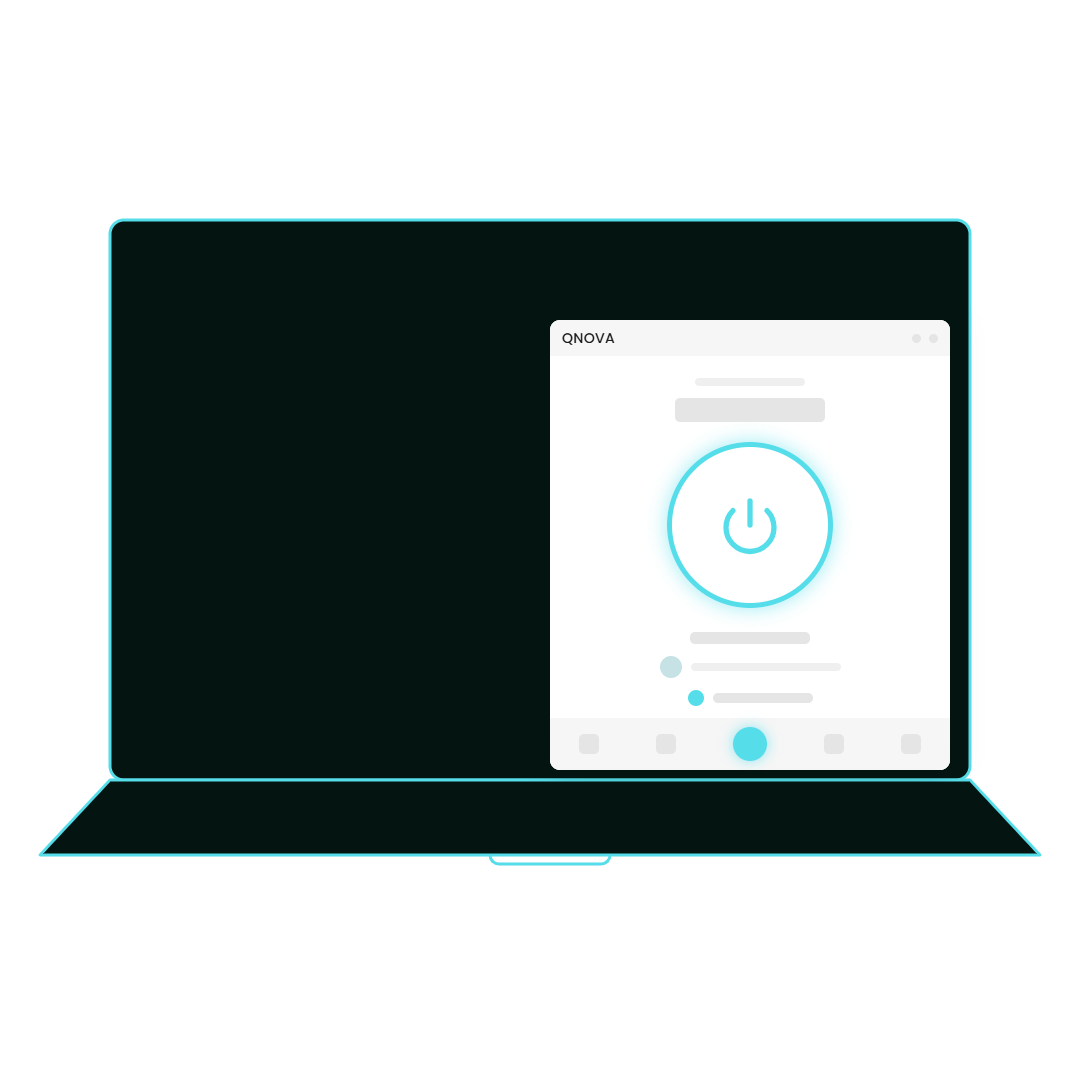
About one person in a hundred opens the console. Everyone else opens QNova Client, presses one button, and never finds out the gateway moved into a cloud account. Enrolment is a single-use token, valid for 48 hours and burned the moment it’s used, and the tunnel can come up at login without the window ever appearing. About one person in a hundred opens the console. Everyone else opens QNova Client, presses one button, and never finds out the gateway moved into a cloud account. Enrolment is a single-use token, valid for 48 hours and burned the moment it’s used, and the tunnel can come up at login without the window ever appearing.
What stays on infrastructure you control, and what we won't pretend to know
Both halves of this run on infrastructure you control. The licence installs on your own infrastructure, physical or in the cloud, and the software gateway runs on your infrastructure too. We’re a product, not a managed service, so nobody here watches your network and no analyst of ours reads your traffic. The one thing this page won’t do is draw you an architecture of your own AWS account: the exact deployment shape depends on what you already have in there, and a page that guessed would be the worst kind of confident.
- The licence installs on infrastructure you control. Physical or cloud is your call.
- The software gateway runs on your infrastructure too.
- All communications are encrypted with post-quantum cryptography, including the tunnel handshake.
- We're a product, not a managed service. No analyst of ours looks at your network.
- A green tick means the intent was recorded. The database is the authority, and the push out to gateways and devices is best-effort, so an offline gateway converges when it comes back.
- Not stated here, deliberately: the exact deployment shape inside a cloud account. No marketplace image and no deployment template is claimed on this page. Ask, and an engineer answers.
Tell us what you're trying to connect
Which account holds your infrastructure, what’s already running in it, and is there an office at the other end that still needs to reach it?