QNova Client: one cybersecurity agent, five jobs
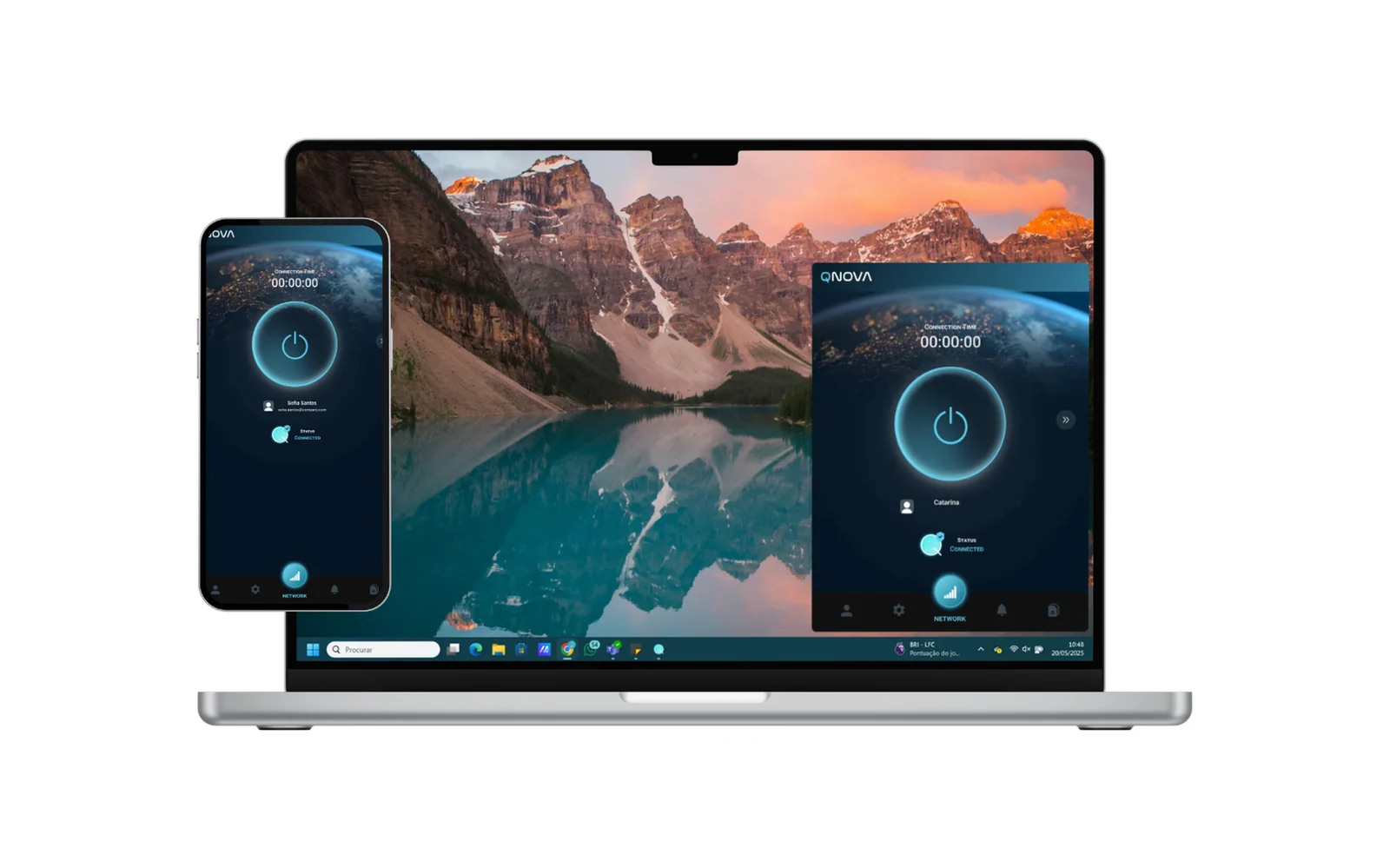
QNova Client is the piece your people actually see. It’s one signed agent that replaces a VPN, endpoint protection, remote support, a password manager and encrypted file transfer.
There's nothing new to learn. Install it, sign in, and get on with your work.
- It installs once
- It reports to a single console
A secure way in to your company's private network
Every company keeps some things private: a customer database, shared files, internal apps. They stay off the open internet, and they should. QNova Client is how the right people reach them. Install it on your computer, sign in, and you can use what your company has given you access to, wherever you are.
Everything that travels through it is encrypted, always with post-quantum cryptography, including the moment the connection is set up. That is encryption designed to hold up even against quantum computers.
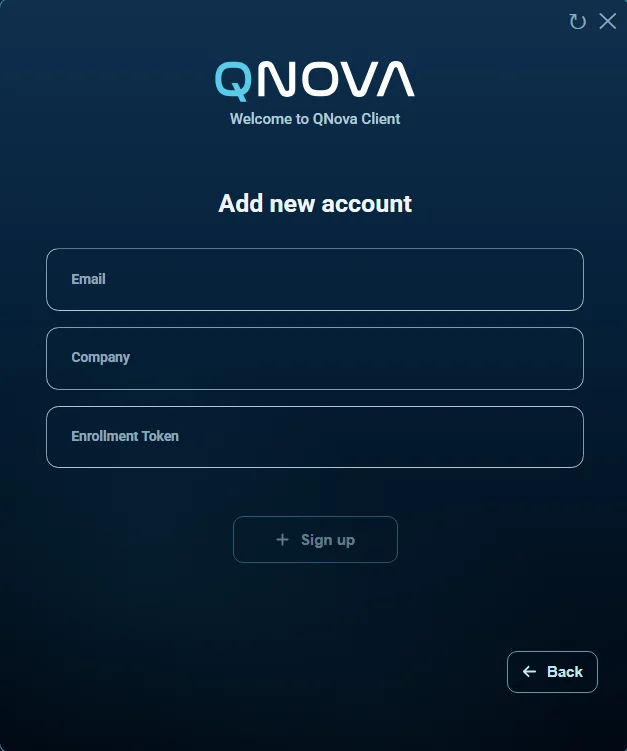
You open QNova Client and sign in
It can also connect on its own, as soon as you log in to your computer.
An encrypted tunnel opens
It runs from your computer to your company’s gateway. Anyone in between sees only scrambled data.
You reach what you need
The gateway checks that your device is allowed in. Then you use the database as if you were at your desk in the office.
Everything it does, and why you'll want it
One install replaces a handful of separate apps, and your IT team runs all of them from a single console. Here is what each one does, and what sets it apart.
Secure remote access
Reach your company’s private network from anywhere. It can connect by itself when you log in, moves to another gateway if one goes away, and explains problems in plain words instead of error codes.
Anti-malware
Eleven detection engines stop threats before they run, and untrusted programs can’t change, delete or rename the documents in your protected folders. Its two drivers work in the kernel, and Microsoft has authorised us to distribute kernel drivers.
Password manager
Each password is sealed on its own with post-quantum encryption and kept only on your device, with no cloud copy. It fills in logins in Chrome and Edge, imports from your browser or Bitwarden, and exports whenever you want.
Encrypted notes
Keep recovery codes, licence keys and other sensitive details in notes locked with the same encryption as your passwords, instead of in a text file or an email to yourself.
Person-to-person file transfer
Pick a colleague from the list of who’s connected and send. The file goes directly between the two devices inside the encrypted tunnel, not through email, and nothing moves until they accept.
Remote support
When you need a hand, your IT team can help on your screen only after you accept that session. There’s no remote desktop password to leak, and every session is logged, refusals included.
One click, or none at all.
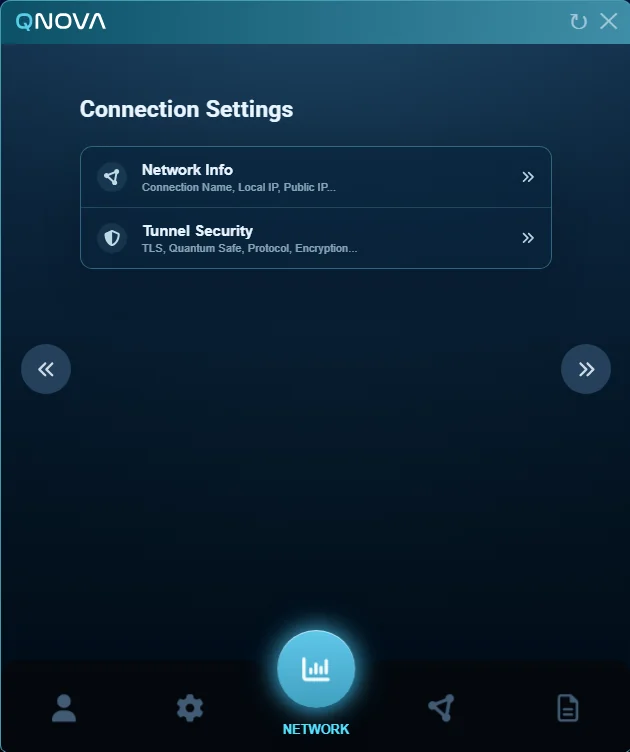
The client can connect on its own and stay quiet about it. If a gateway goes away, it moves to another one.
You can let people pick a gateway, or decide for them. Either way there’s a diagnostics view that tells them what’s wrong in words instead of an error code, which cuts the number of tickets that reach you.
A heartbeat every 20 seconds keeps the console honest about who’s actually connected.
The tunnel is post-quantum by default, with the hybrid p384_mlkem768 group. Not an upgrade, not a tier. It’s how the tunnel works.
Endpoint protection that can't be switched off by the thing it's fighting
A kernel sensor
It runs in the kernel, for prevention, not just for reporting after the fact.
An anti-ransomware kernel driver
A separate driver in the kernel. Untrusted processes can read your document folders, and cannot modify, overwrite, delete or rename anything in them.
Microsoft has authorised us to distribute kernel drivers.
Both of the drivers above go through Microsoft’s driver signing pipeline before they reach a machine of yours. It’s not a partnership and we won’t dress it up as one, but it’s the answer to the fair question of why you’d trust kernel drivers from a small manufacturer.
Malware can't turn the protection off.
That’s a deliberate design property, and it’s the one that decides whether any of the rest matters.
- On-demand and scheduled scanning
- Protection rules written in plain language
- Quarantine with a trust list and a detection history you can go back through
The password vault
- An encrypted vault on the device
- A browser extension for Chrome and Edge
- Encrypted notes
- Import and export, so moving in doesn't mean retyping 300 passwords
Sending files without email
Peer to peer by default: the file goes from one device straight to the other. Under quantum key distribution it is encrypted end to end, with a key that is used once and never again.
Peer to peer, device to device
Straight between two people on the tunnel, from a live list of who is connected, and the person receiving it has to accept before anything moves. Under quantum key distribution based on BB84 the key protection is information-theoretic: it rests on no assumption about how hard a computation is.
A company drive
With encrypted storage and quotas per gateway, for when the other person is not online.
One thing we won’t claim: transfers are observed by the gateway. That is not the same as confirmed delivery, and you’ll never see us call it proof of delivery, because it isn’t.
Remote support that needs a yes
Assisted Remote Desktop lets an administrator take a supported session from the console.
There is no remote desktop password. Two things have to be true at once: both devices are already cryptographically authenticated on the VPN, and the person at the other end accepted this particular session. Before that consent there is no socket to talk to.
- The host never listens. The session goes through a relay, not a direct connection
- The relay holds no key material and records nothing
- Single-use tickets that expire in 30 seconds
- Every session is written down, refusals included
USB control, including the rule that reads backwards
USB Guard controls devices and ports from the same policy as everything else, and it writes down the attempts.
One rule behaves the opposite way to all the others. The soft USB mandate means blocked by default. Everywhere else in the product, soft means permissive. Here it doesn’t. We flag it because a setting that reads backwards is how a fleet ends up locked out on a Monday morning.
Identity, and revocation that actually revokes
When you revoke, it's revoked.
Grants fail closed, not open. A device that can’t check in doesn’t get the benefit of the doubt.
Multiple accounts on one device are supported by design, with an account gate between them.
The workspace
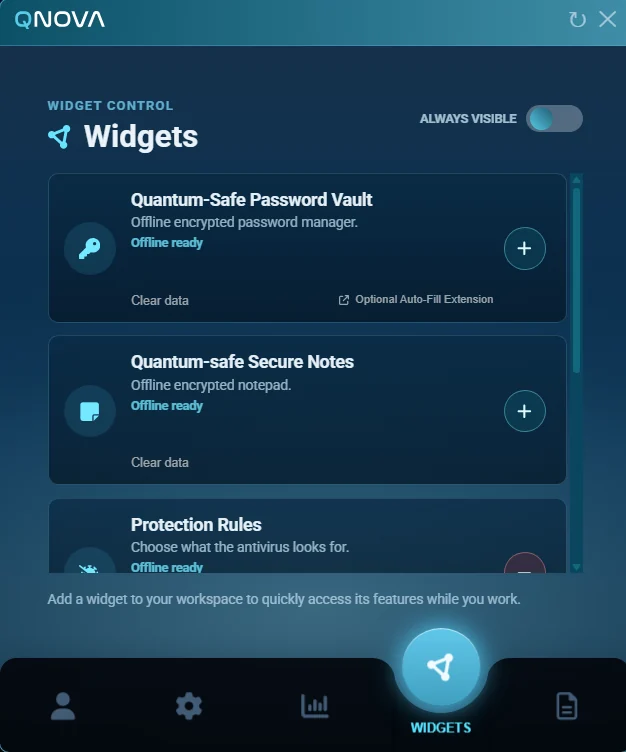
A widget workspace
A device inventory that the user consents to
A notification system with diagnostics
Verified updates with a clean uninstall
WANDA is also on the client, and it behaves the same way it does in the console: it shows you the fields it would send before it sends them.
Where the client runs
One client, on the systems your people use. Coverage is not identical on every system, and we will give you the exact differences when you ask.
Windows
macOS
Linux
iOS
Android
QNova Client is available in many languages.
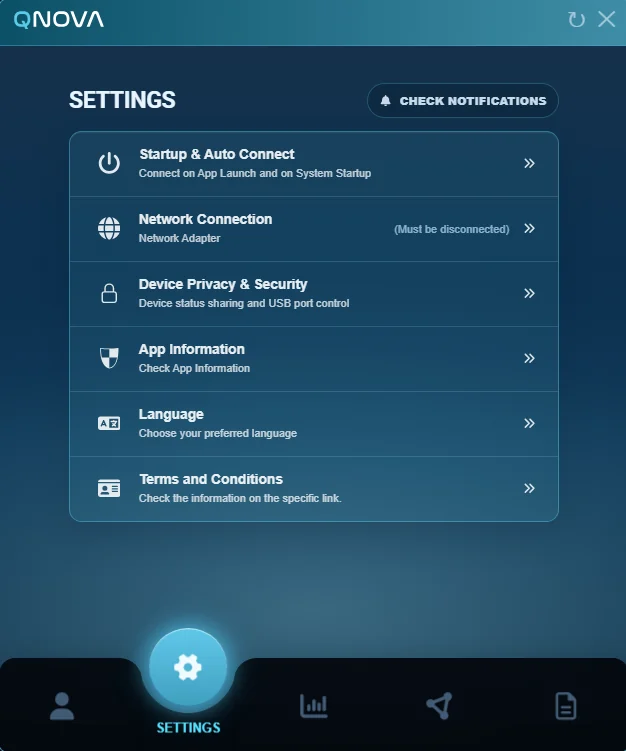
Each person picks the interface language in the client’s own settings, next to startup, network and privacy.