
Certificate management, from enrollment to a revocation that sticks
Certificate management here covers the whole life of a device certificate: issued at enrollment, renewed before it expires, repaired when it breaks, and revoked in a way the device itself honours. It runs across the QS-WAN console and the QNova Client on the machines and gateways you already have, so nothing gets re-cabled, no appliance leaves the rack, and the keys underneath are post-quantum by default.
Five jobs in the life of one certificate, and most tools do two of them well
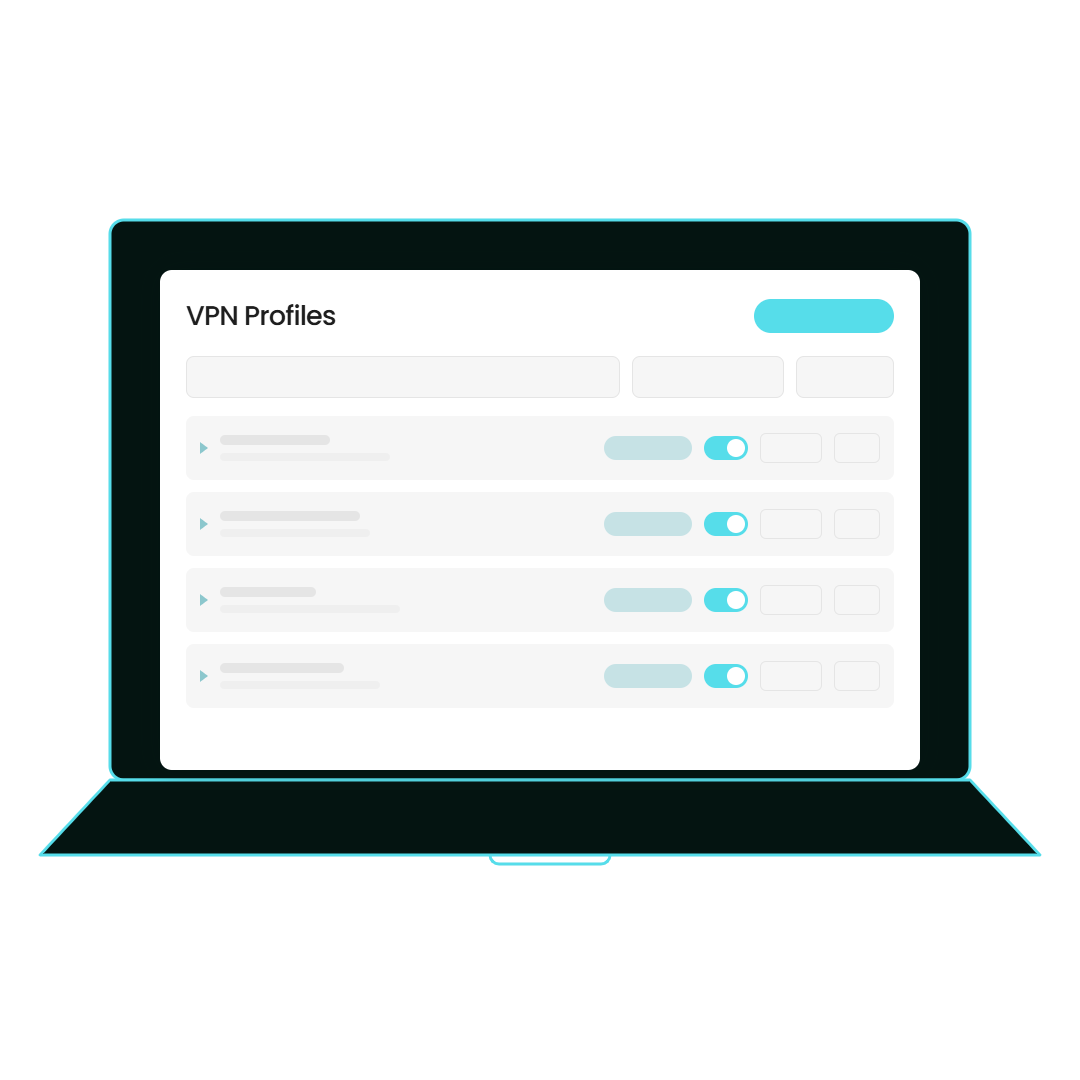
A device certificate here is issued, delivered, renewed, repaired and removed, and each of those is a named mechanism rather than a promise. Enrollment happens four ways: Automatic, where the client asks the service for every profile the user is entitled to; Microsoft Entra ID through an embedded sign-in window; local Active Directory, which checks the signed-in Windows account against the domain; and manual import of a file, by drag and drop or from the command line, with duplicate names disambiguated instead of quietly overwritten. The profile travels inside an encrypted archive whose handshake is hybrid, Kyber768 with ECDH P-384 combined through HKDF-SHA256, and where MFA is on, the enrollment QR code sits inside that same archive. After that the client renews the certificate on its own and says so with a native notification, and when the classifier on the device sees a certificate that’s revoked or invalid it repairs the profile instead of sitting there broken and waiting to be noticed. On the console side you get a certificate per device and per gateway membership, the signature algorithm is chosen per user rather than fixed for the whole fleet, and the `.ovpn` package is encrypted to that device’s own ML-KEM-768 key.
- Four enrollment routes: Automatic, Entra ID, local AD, manual import
- Profile delivered inside an encrypted archive, hybrid handshake
- Renewal runs itself and tells the person it happened
- Self-repair when a certificate is seen revoked or invalid
- Revoke, Revoke all, Reinstate, Reissue cert, Resend enrollment
- Signature algorithm chosen per user, not per fleet
Cybersecurity in action
This is the console the minute after somebody left the company: the profile is revoked, the certificate behind it is dead, and the laptop that’s been closed in a bag since Thursday is going to come back without the capability rather than with it.
The same certificate, read by the person who fixes it and the person who signs for it
Whoever runs the network wants the expiry ticket to stop existing and the offboarding to be finished when they say it’s finished. Whoever signs the invoice is thinking about the Monday an auditor asks what happened to the access of the person who left in March.
Nobody has to remember
Renewal runs on the device before the certificate expires, and the person gets a native notification rather than an email they’ll archive unread. The failure everyone has lived through, one certificate expiring and half an office reporting that the VPN is down, is removed by taking the remembering away from people.
Broken repairs itself
When the classifier on the device sees a certificate that’s revoked or invalid, it rebuilds the profile. That’s the difference between a Tuesday where somebody’s client quietly fixed itself and a Tuesday where you find out by phone.
Offboarding that's actually over
Revocation writes a persistent revoked state on the device and the client deliberately stops reconnecting. Not fails to reconnect. Stops, on purpose, and stays stopped, so the machine that slept through the decision doesn’t get to argue with it.
"We removed their access" stops being a hope
Right now that sentence usually means an entry was deleted in a console somewhere. Here the decision lives on the device, grants fail closed, and a client that can’t confirm it still holds something doesn’t assume it does, which is the version of that sentence an auditor can actually be given.
One crypto decision instead of a rebuild
The signature algorithm is chosen per user, the handshake is hybrid by design, and the whole chain is post-quantum by default, so moving the cryptography forward is a setting rather than a project. Evolving doesn’t mean starting from zero, it means adding the right layer.
No new hardware and no re-cabling
Certificates are issued to the devices and gateways you already run. Nothing leaves the rack, no appliance gets bought, and the kernel drivers involved are attested by Microsoft, which is the question your change board will ask first.
Three steps, and your people are only awake for the first one
Here’s what actually has to happen for certificate management to be worth the name, from the laptop it runs on to the console you run. The short version: the certificate takes care of itself, you find out anyway, and the one decision that matters stays yours.
The certificate on a laptop renews itself, and nobody opens a ticket
Someone in sales is on a train with a certificate that’s days from expiry. The client renews it there and then and tells them with a native notification, so the thing that would have become “the VPN is down” on Monday morning never happens. If a profile is broken instead of expiring, the classifier on the device sees a certificate that’s revoked or invalid and repairs it. The person’s part in all of this is to read a notification, and that’s the target, because a control that depends on someone acting is a control you hear about afterwards.
You see it in QS-WAN, with the context that laptop never had
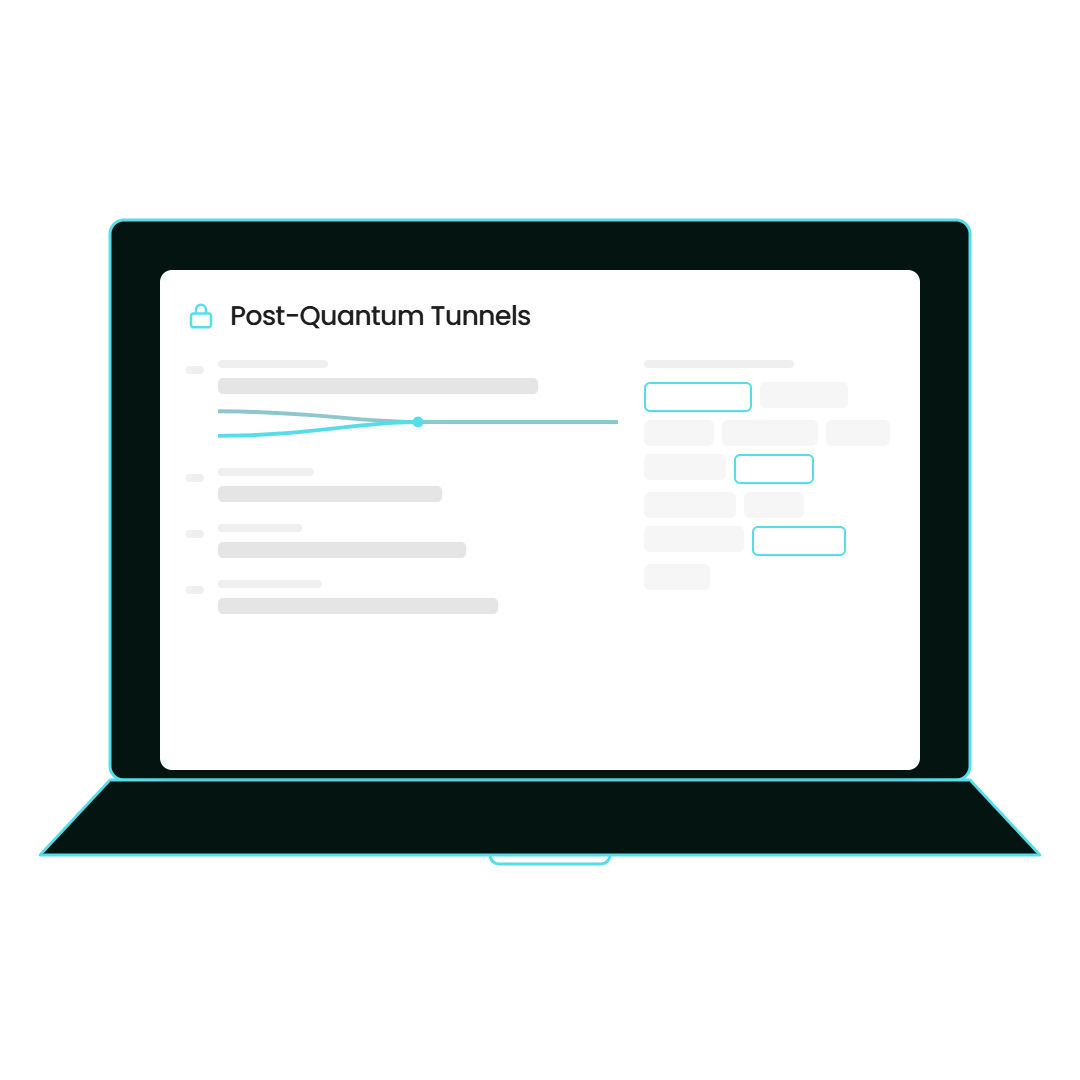
The same certificate shows up in the console attached to the things the device can’t see: which gateway memberships it covers, which signature algorithm it was issued with, when it was renewed and which profiles depend on it. That’s also where a reactive event arrives. When a critical alert fires on a rule that arms the reactive engine, the VPN grant is revoked and the client’s WebSocket closes with code 4008. Worth knowing before you plan around it: eight of the twelve rules arm that engine, and on the other four the interface offers Reactive and it behaves like Soft, so we’re not going to tell you it’s twelve.
You decide, and the device is the thing that carries the decision
Now the control half. Revoke one profile or Revoke all, Reinstate when somebody comes back from leave, Reissue cert, Resend enrollment, Delete a device or a profile: all of it from the same screen, at four in the afternoon on a bad day, without asking anyone to bring a laptop in. What makes that stick is where the decision ends up. The revoked state is written on the device and the client stops reconnecting on purpose, so treating revocation as a list somebody has to be awake and online enough to go and fetch stops being the plan. One honest line, because you’d find it out anyway: a green response in the console proves the instruction was recorded, and a device that’s offline hasn’t acted on it yet. The product shows you which is which instead of painting both the same colour.
| Layer | What you already have | What comes in | Does it move? |
|---|---|---|---|
| […] | […] | […] | No |
| […] | […] | […] | No |
| […] | […] | […] | No |
**Run it off a calendar reminder and a revocation list.** The usual arrangement is a date in somebody’s head and a list the device is trusted to go and read, and both fail in the same direction.
**Put the whole lifecycle on the device and the decision in the console.** Same machines, same gateways, same people, with the remembering and the asking taken out of it.
Microsoft Entra ID and local Active Directory
Enrollment can run through an embedded Entra ID sign-in window, or check the signed-in Windows account against your local domain, so the people who get certificates are the people your directory already knows.
The provisioning endpoint is yours to point
You configure where enrollment requests go. Point it at plain HTTP and the product stops and asks you to confirm that in words, because that’s a decision and decisions belong to a person.
CA rotation needs every gateway connected
Apply CA rotation regenerates the certificate authority and the server certificate, ships the new bundle out and restarts the gateway’s OpenVPN service. It won’t run unless all your gateways are up, so it’s a maintenance window with a date on it, never a button you press between two meetings.
Reactive lockdown arms on eight of the twelve rules
Where it’s armed, a critical alert revokes the VPN grant and closes the client’s WebSocket with code 4008. On the other four rules the interface offers Reactive and it behaves like Soft. That gap is real, we know exactly where it is, and we’d rather write it here than let you plan around twelve.
Two numbers, not three, and that’s deliberate. There’s no certificate-specific figure we can stand behind: certificates issued, renewals completed and revocations honoured aren’t measured in anything we’d put in front of a buyer who checks. Borrowing a number from another part of the platform would be padding, so the third slot stays empty until there’s a real one.
Tell us what happens today when somebody leaves on a Friday
Say it plainly, however it works now: a ticket, a checklist, an entry deleted in a console, or an honest “we think it’s handled”. We’ll show you the same moment in QS-WAN, with the revoke, the state the device writes down, and what the laptop does when it wakes up on Monday, on a call and on a real machine rather than a slide.
What is certificate management?
Certificate management is running the full life of a certificate: issuing it, delivering it, renewing it before it expires, repairing it when it breaks, and revoking it when access has to end. Here that applies to device and gateway certificates across the QS-WAN console and the QNova Client. Certificate lifecycle management is the same job under a longer name, and the part most tools skip is the last one.
What happens when a device certificate is about to expire?
The client renews it on the device, on its own, and tells the person with a native notification. Nobody files a ticket and nobody has to bring a laptop in. If a profile is already revoked or invalid rather than expiring, the classifier on the device sees that and repairs the profile.
If a laptop is offline when I revoke it, does the revocation still hold?
Yes, because the revoked state is written on the device and the client deliberately stops reconnecting rather than simply failing to. Grants fail closed, so a client that can’t confirm it still holds something doesn’t assume it does, and a machine that slept through the decision comes back without the capability by default. One honest caveat: a green response in the console proves the instruction was recorded, and an offline device hasn’t acted on it yet. The console tells you which is which.
Can I run CA rotation in the middle of a working day?
No, and we’d rather say that here. Apply CA rotation regenerates the certificate authority and the server certificate, sends the new bundle out and restarts the gateway’s OpenVPN service, and it needs every gateway connected before it will run. Put it in a maintenance window with a date on it.
Does this handle SSL certificate management for my public websites?
No. SSL certificate management here reaches the gateway’s own server certificate, which is regenerated during CA rotation, and stops there. If you’re shopping for something to watch expiry dates on public web servers, this isn’t that tool, and we’d rather you read it on the page than hear it on a call.
Device Enrollment
How a device gets onto the network in the first place, before it has a certificate to manage.
Crypto Agility
Choosing the signature algorithm per user, and moving the cryptography without rebuilding anything.
Post-Quantum Cryptography
What’s underneath the handshake that delivers every profile on this page.
Tell us what happens today when somebody leaves on a Friday
Say it plainly, however it works now: a ticket, a checklist, an entry deleted in a console, or an honest “we think it’s handled”. We’ll show you the same moment in QS-WAN, with the revoke, the state the device writes down, and what the laptop does when it wakes up on Monday, on a call and on a real machine rather than a slide.

NEWSLETTER
Get weekly tips, product news and early access, straight to your inbox.