
Connect every employee and every site to one private network.
QuantumNova unifies network control and endpoint protection in a single platform. QS-WAN manages the network while QNova Client protects every device. Together, they give your teams post-quantum secure remote access to every site. Because neither product works without the other, your workers and your offices live inside one private network.
One agent instead of five products
Most organisations buy five separate things: a VPN, endpoint protection, remote support, a password manager, and a way to send files without emailing them. Five contracts. Five consoles. Five renewal dates.
QNova Client is one signed agent that does all five. It installs once and it reports to a single console. The endpoint protection and the enterprise password manager are part of that same agent, not two more contracts.
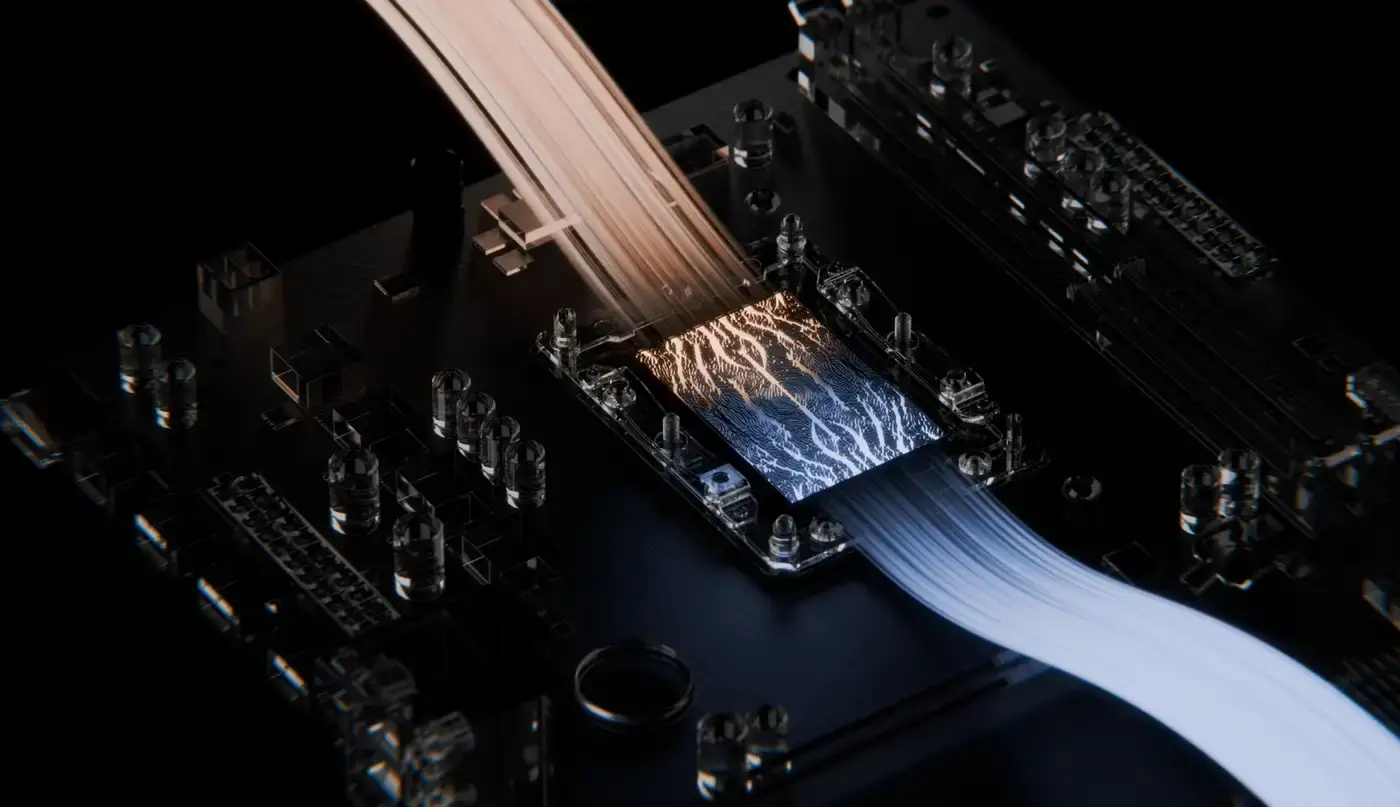
Post-quantum encryption, on by default
Wherever this solution creates cryptographic channels, they are post-quantum: the tunnel handshake, the key exchange, the signatures on policy, and the file transfer. FIPS 203 for key encapsulation, FIPS 204 for signatures, aligned to CNSA 2.0.
Hybrid by design, so the security is never worse than the classical baseline it replaces. The system also provides a documented cryptographic inventory per subsystem, which is the artefact regulators ask for first.
One ecosystem, two systems, and the one you use depends on who you are
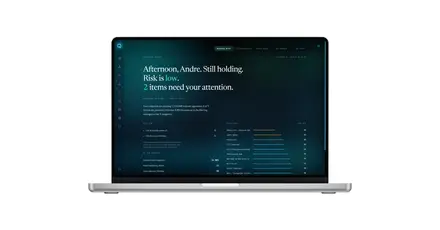
How QS-WAN sits in your network.
Select any part of the diagram to see what it does.
We look at the network you have before we tell you what to change.
Every network carries its own history: the kit that was bought first, the site that grew fastest, the rule nobody wants to touch. We map yours before we propose a single change.
You show us what you have
Sites, kit, who connects from where, constraints.
We map QS-WAN onto it
Where the gateways go, what changes and what does not.
We roll it out with you
Deployment and handover to your team.
You will leave step 2 with a written implementation map, whether or not you go ahead.
The network you already have stays where it is
QS-WAN adds one box to the diagram and takes over the path in and out. Your router keeps doing what it does, your addressing does not change, and nothing gets ripped out to make room.
See how QS-WAN can fit your network.
Four common situations. Pick the one that looks like yours.
If none of these looks like your network, or you are not sure which one does, the answer usually takes one conversation.
Contact a cybersecurity specialistWhat you get on each side.
QS-WAN
Network map
See every gateway, device and connection in your private network on one screen.
Signed company policy
Security settings are signed before they are sent, and checked on the device itself.
A risk score you can read line by line
Nineteen indicators of equal weight, each one visible. No black-box number.
Firewall rules per gateway and per user
Applied in real time, and reapplied when a device reconnects.
VLANs and segmentation
Create VLANs and LANs, with one-way edges by construction.
Access control by country and IP
Blacklist, whitelist or off. Country codes, IPs, CIDRs and ranges.
QNova Client
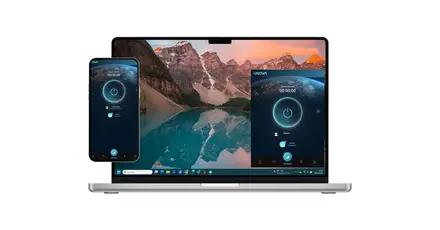
One encrypted connection into your network
One cryptographic identity per device, and one tunnel in. Keys never leave the device.
Endpoint detection and response
Eleven detection engines. The process tree is suspended first, then you decide.
Stops ransomware before it asks
A file-system filter stops untrusted processes writing to your document folders.
A password vault that empties the browser
Credentials leave the browser and live in a local vault. Nothing syncs to a vendor cloud.
Post-quantum file transfer
Files are encrypted with single-use key material, and the gateway observes the transfer.
One app, nothing to learn
No dashboard. The person opens it and gets on with the work.
Four steps, from the first decision to a policy on every device
Three ways, and they cost differently. Licence it onto your own infrastructure. Take a plug-and-play gateway we ship you. Or let us host it on our servers.
The gateway is the box that holds the policy for a site. We size it to the site and ship it ready to run. Or skip the box and run the same software on hardware you already have.
Each device gets its own certificate. Four ways to hand out a profile, including a one-time claim code. The device shows up in the console the moment it connects.
Company Policy is signed and pushed to the fleet. VLANs, DNS profiles, firewall rules, USB ports, country and IP allow lists, weekly schedules. Set it in one place, it lands everywhere.
See it running
If you want to see it running, a demo takes about 30 minutes and we use your network as the example, not ours. If you would rather read first, the platform pages explain both halves in detail.