Security asset management that doesn't live in a spreadsheet
Declare the infrastructure you own, then view and edit that one list across every gateway from a single screen, and attach each device to the asset it belongs to. Nothing gets re-addressed, nothing leaves the rack, and nobody holding a laptop has to do a thing about it.
Declared, not discovered, and that's the whole design
An asset in QS-WAN is a piece of your infrastructure that you declare. You tell the console it exists, the console keeps that record, and nothing is inferred or added by accident. Two things follow. You view and edit declared assets across all of your gateways from one screen, instead of one register per site that somebody merges by hand later, and you connect a device to the asset it belongs to, or disconnect it when that stops being true. The link then shows up where you already look, because in User Management every device carries its state badges, Online, VPN connected, PQ enrolled and the rest, plus `Asset: `.
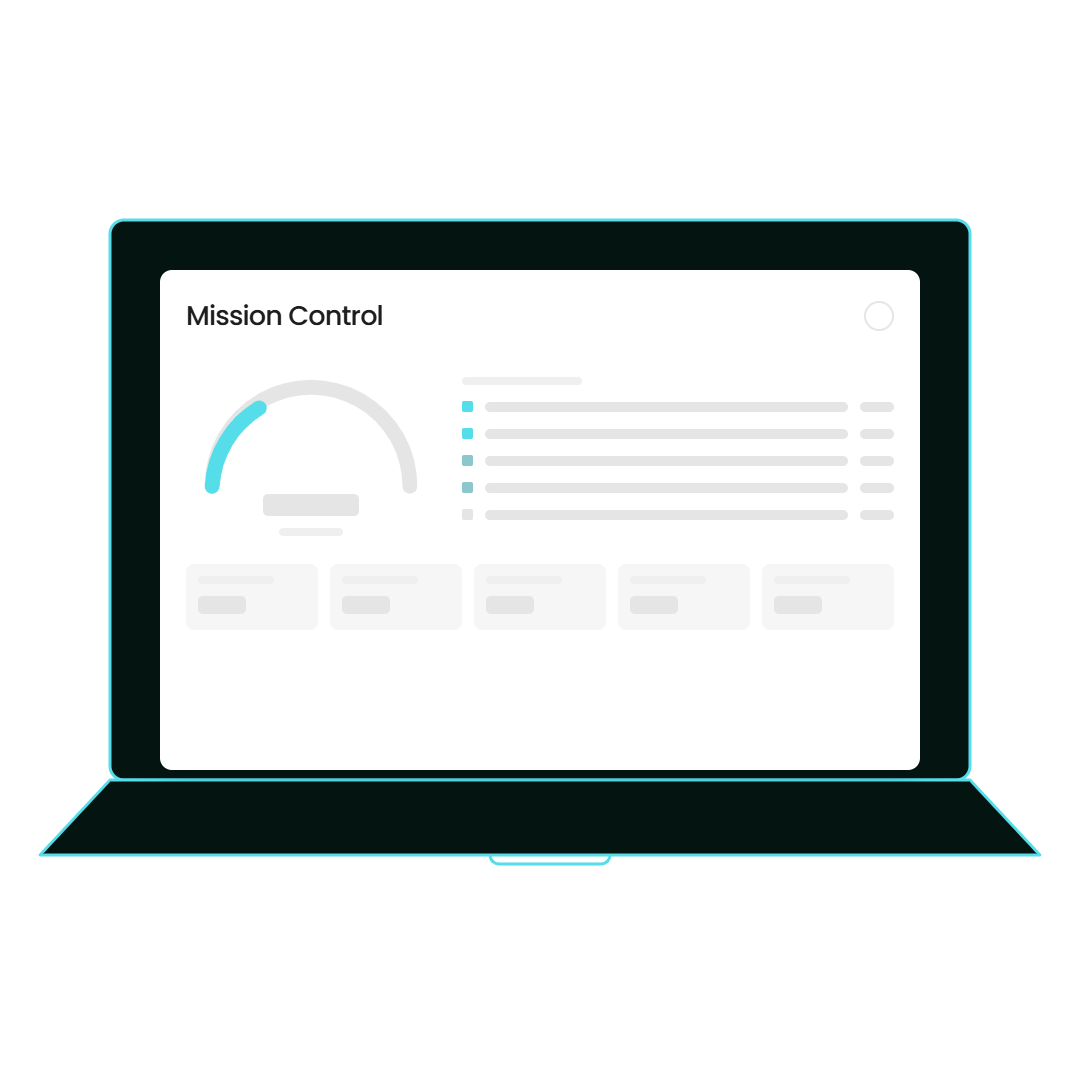
- You declare each asset; nothing appears on its own
- One list, viewed and edited across every gateway
- Devices attach to an asset, and detach when they move
- `Asset: ` sits beside each device's state badges
- Filter by gateway, search the list, export to CSV
- Declared infrastructure is what QNova Cert is built on
Cybersecurity in action
This is the screen at the moment somebody asks what you own: the assets you declared, the devices attached to each one, and not one tab of a file called inventory-final-v3.
The same list, read two very different ways
The person who runs the network wants to stop guessing which machine belongs to what. The person who signs the invoice is thinking about the week an auditor, a public tender or NIS2 asks for that list in about forty more words.
Nobody gets chased
Attaching a device to an asset is a change you make in the console. There’s no ticket to a user, no walk to a desk, and no monthly email asking two hundred people to confirm what’s sitting under it.
One screen, every gateway
Declared assets are viewed and edited spanning all your gateways from one place. No per-site register, and no merge afterwards with three people arguing about which version is current.
The answer is already on the row
Which asset a device belongs to sits next to Online, VPN connected and PQ enrolled, on the device itself. You don’t open a second tool to find out what a machine is part of.
Audit week gets a lot shorter
The list is filterable by gateway, searchable, and exports to CSV, which is still the format every auditor and every tender asks for. The evidence is a download instead of a fortnight of archaeology.
It's the first half of QNova Cert
QNova Cert is the quantum-safe certification, and declared infrastructure is what it’s built on. You can’t certify an estate nobody has described, so describing it is work that gets spent twice.
No new tool to buy, feed and forget
The register lives in the console that already holds the gateways, the user profiles and the device certificates. Keeping two systems honest is somebody’s job, and it is nobody’s favourite job.
Three steps, and your people take part in none of them
Here’s what actually has to happen for an asset register to be worth anything. It starts with one person pressing connect, and ends with you answering the ownership question without opening a spreadsheet.
A new laptop turns up and somebody presses connect
Your new hire in finance gets the enrolment email, installs QNova Client and presses connect. That’s the entire ritual on their side. There’s no asset to pick, no site code to type and no form asking which server room their machine reports to. Good thing too, because an inventory that needs two hundred people to cooperate every week doesn’t survive a month, and everyone involved knows it.
You see the device, and what it says it belongs to
The same device lands in User Management with context the person carrying it never had. Its badges say Online, VPN connected and PQ enrolled, and next to them sits `Asset: `. You filter the list by gateway, you search it, and nobody had to tell you the machine exists, because the certificate that put it on the network was issued from this console. That’s the visibility half, and it arrives without you chasing a single person for it.
You attach it where it really belongs, and the list is ready for the question
Now the control half. You connect the device to the asset it belongs to, detach it when it moves, and edit declared assets across every gateway from that same screen. Then you export to CSV when the auditor or the tender asks, and the very same declared infrastructure is what QNova Cert is built on. One caution, because you’d find out anyway: a saved change is recorded in the database, which is authoritative, and propagation out to gateways and devices is best effort. A green response proves the change was written down, not that a laptop asleep in a drawer has caught up.
| Layer | What you already have | What comes in | Does it move? |
|---|---|---|---|
| […] | […] | […] | No |
| […] | […] | […] | No |
| […] | […] | […] | No |
**Buy an asset platform and hope somebody feeds it.** The classic answer: a second system, bought to hold the list, and maintained for about two quarters.
**Keep the register where the certificates already live.** Assets are declared in the same console that issued the certificate on every device in the list.
Gateways
Declared assets are viewed and edited spanning all of your gateways, from one screen, so there’s no per-site register waiting to be merged.
User Management
Devices attach and detach here, and each one shows `Asset: ` beside its state badges, with filtering by gateway, search and CSV export.
QNova Cert
The quantum-safe certification is built on declared infrastructure, which makes declaring your estate part of the certification rather than paperwork beside it.
Best effort propagation, and we'd rather say it out loud
Persistence in the database is authoritative; propagation out to gateways and devices is best effort. A green response in the console proves the intent was recorded, not that an offline device has honoured it.
Two numbers, not three, and that’s on purpose. There’s no honest asset-specific figure to give: counts like assets declared or devices under management aren’t in the proof inventory, and the numbers that are there measure other parts of the platform. A borrowed number would be padding, and this buyer checks.
Tell us what you own, and we'll show you the list
Send us a rough sketch of your estate: the sites, the gateways, and roughly how many devices are out there. We’ll show you that same estate as declared assets in the console, with devices attached to them, on a call, using your layout instead of a demo one.
What is security asset management?
Security asset management is keeping a record of the infrastructure you own and which devices belong to what, so that questions about it have an answer. In QS-WAN you declare each asset, view and edit that list across every gateway, and attach devices to the asset they belong to. Nothing is inferred, so the list says exactly what you told it and nothing else.
Does it discover my assets for me?
No. You declare them, and anything you never tell the console about isn’t on the list. Host and network discovery are separate scans in the platform, not this feature. No software has ever solved the item nobody mentioned.
Is this IT asset management?
No, it’s the security-side record. There are no purchase dates, no warranties and no depreciation schedule in here. It answers what’s on the network and which devices belong to what, which is the half a security audit actually asks about.
What happens on somebody's laptop when I attach it to an asset?
Nothing. They open QNova Client and connect exactly as they did yesterday, whether their device has just been attached to an asset, detached from one, or moved to a different one. Asset work is administrator work, done in the console.
How does this connect to QNova Cert?
QNova Cert is the quantum-safe certification, and declared infrastructure is what it’s built on. Declaring your estate is how you describe it, and an estate nobody has described can’t be certified. It’s the same habit as the documented cryptographic inventory per subsystem: write down what you have before somebody makes you do it in a hurry.
Device Enrollment
How a device gets its certificate and lands on the list in the first place.
User Management Software
The screen where devices, state badges and `Asset: ` all live together.
Compliance Crosswalk
What a declared estate is for, the day someone asks you to prove it against a framework.
Tell us what you own, and we'll show you the list
Send us a rough sketch of your estate: the sites, the gateways, and roughly how many devices are out there. We’ll show you that same estate as declared assets in the console, with devices attached to them, on a call, using your layout instead of a demo one.
NEWSLETTER
Get weekly tips, product news and early access, straight to your inbox.