
Connect your Active Directory to QS-WAN
Your domain controller doesn’t move. Administrators sign in to the console with the domain account they already have, and Windows devices pick up their VPN profile without anyone typing a thing.
Our kernel drivers are attested by Microsoft. That’s the exact scope of the claim, and we don’t stretch it.
Yes, QS-WAN works with your on-premises Active Directory
Yes. QS-WAN supports LDAP authentication against an on-premises Active Directory, and ADFS too. Administrators pick Local AD on the console sign-in screen and use the domain account they already have, and on a Windows device QNova Client validates the account that’s already signed in against the domain, then requests a certificate bound to that account’s security identifier. Your directory stays on your own hardware: QS-WAN authenticates against it, and never becomes a second copy of it.
What the directory actually does once it's wired in
Three things change for the administrator, in the order the questions usually arrive.
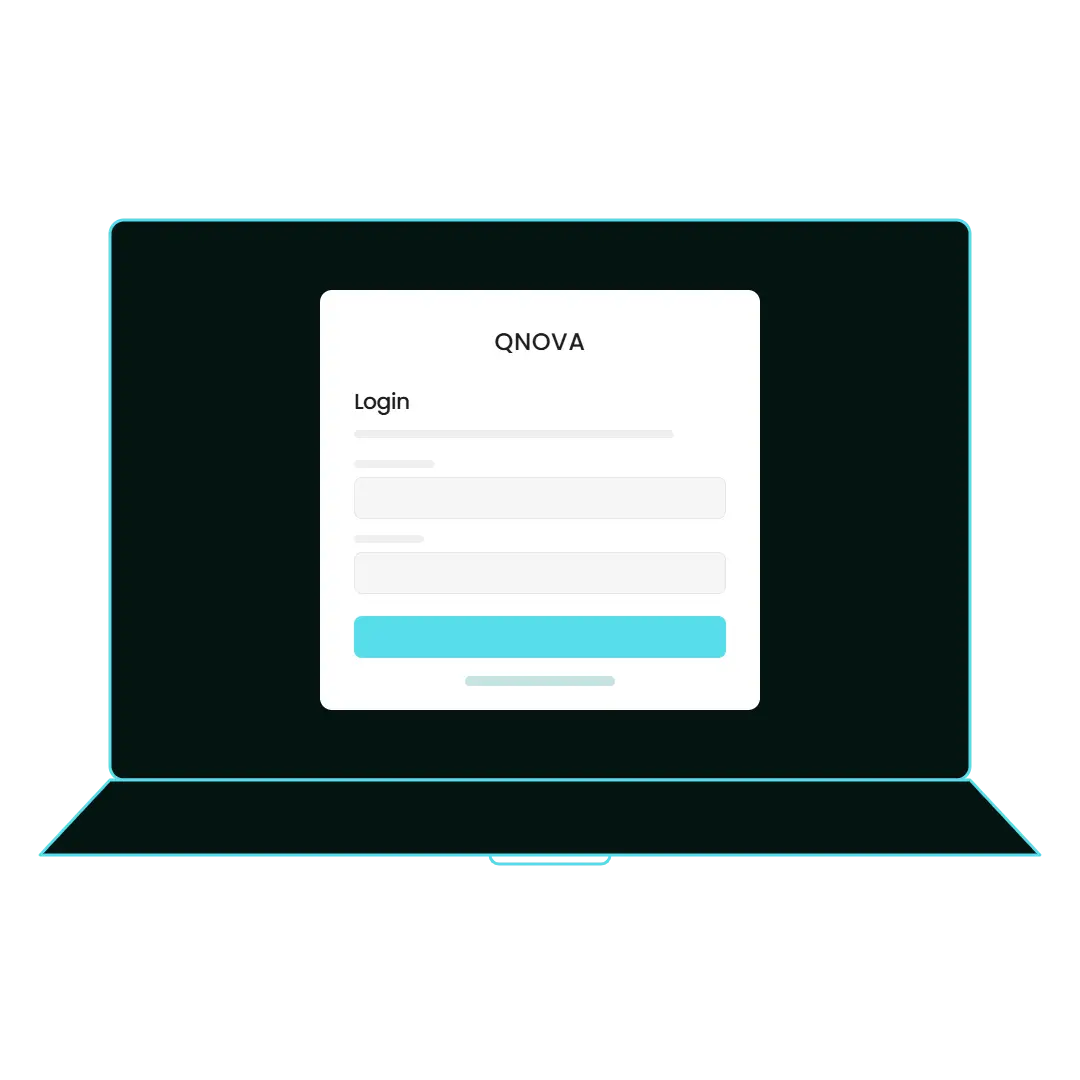
Sign in to the console with the account you already have
The sign-in screen offers three providers: Default, Entra ID and Local AD. Pick Local AD, and an administrator signs in over LDAP or through ADFS with the same domain account they use for everything else. Setting it up lives in the platform administrator settings, next to creating administrators, and only an administrator profile ever sees it. The sign-in screen offers three providers: Default, Entra ID and Local AD. Pick Local AD, and an administrator signs in over LDAP or through ADFS with the same domain account they use for everything else. Setting it up lives in the platform administrator settings, next to creating administrators, and only an administrator profile ever sees it.
Enrol Windows devices without asking anyone for anything
Local Active Directory is one of four ways a device gets its VPN profile, and it’s the one that asks the person for nothing. QNova Client takes the Windows account that’s already signed in, validates it against the domain, and requests a certificate tied to that account’s security identifier. Nobody reads a token down the phone, and the helpdesk queue gets shorter by exactly that call. Local Active Directory is one of four ways a device gets its VPN profile, and it’s the one that asks the person for nothing. QNova Client takes the Windows account that’s already signed in, validates it against the domain, and requests a certificate tied to that account’s security identifier. Nobody reads a token down the phone, and the helpdesk queue gets shorter by exactly that call.
Keep a way back in, and know which part broke
Local credentials keep working when the identity provider is down, so leaning on the directory never costs you your last door into the console. And when a sign-in does fail, the Local AD path returns ten distinct error codes instead of one shrug. They won’t fix your domain for you. They’ll tell you which of ten things to go and look at, which is the difference between fixing it and guessing. Local credentials keep working when the identity provider is down, so leaning on the directory never costs you your last door into the console. And when a sign-in does fail, the Local AD path returns ten distinct error codes instead of one shrug. They won’t fix your domain for you. They’ll tell you which of ten things to go and look at, which is the difference between fixing it and guessing.
What leaves your network, and what doesn't
The directory connection runs between your QS-WAN console and your domain controller, and both of those are yours. The licence runs on your own infrastructure, physical or in the cloud, and the software gateway runs on your infrastructure too. We don’t operate a SOC, and nobody here reads your directory or watches your network. There’s one part we haven’t written down in public, which is the fine detail of the bind itself, and we’d rather say that than fill the gap with a guess.
- The console runs on your infrastructure. The domain controller stays exactly where it is.
- The device generates its own post-quantum key pair locally. Private keys are written into the protected profile and never sent anywhere.
- The certificate is issued against those keys and bound to the Windows account's security identifier, once the domain has confirmed the account.
- All communications are encrypted with post-quantum cryptography, including the tunnel handshake.
- We're a product, not a managed service. No analyst of ours looks at your network.
- Not documented here: which directory attributes the bind reads, and what is cached and for how long. Ask, and an engineer answers.
Tell us what you're trying to connect
One forest or several, ADFS in front of it or not, and how many of your Windows machines aren’t domain-joined? Tell us that and we’ll tell you what fits.